INDUSTRIES / Small business

From “ask the owner” to “ask Kluff”. One business memory.

Kluff is the office manager a small business never had. Agents draft quotes from your price list, book jobs, chase invoices, draft review replies and pack the receipts for your accountant, using rules you explain once. Nothing goes out without your yes.

$15 / user · Unlimited AI

Works withJobberQuickBooksSquareGmailGoogle CalendarGoogle Business Profile+ any tool via MCP
One shared memory. Your team’s approvals.
The daily work behind small business

DAILY REALITY

What gets lost between your head and the team.

In a small business, the system of record is the owner. Prices, suppliers, exceptions and "how we do it" live in one head and one phone.

Everything goes through you.

Prices, discounts, which supplier, what to do when something breaks. The team texts you on your day off because there's nowhere else to look.

Customers get different answers.

Delivery times, returns and order changes depend on who picks up the phone. Customers notice.

Invoices don't get chased.

Chasing is awkward and nobody owns it. Money you earned sits unpaid for weeks.

New hires take weeks to get going.

There's no manual, just you, explaining the same things again while the shop is busy.

HOW KLUFF WORKS

From one person's memory to one system of record.

AI is only as good as the context it gets. Kluff turns the answers you already give into shared memory, so the next person and the next agent can use them.

Emails, files, notes and conversations come together with their sources.

Facts, decisions and exceptions stay in the project for people and agents.

Prepare drafts, match records and follow up using the same shared context.

Sending, posting and changing wait for the right person and your approval rules.

WORKS WITH WHAT YOU ALREADY USE

Your tools stay. Kluff runs the office.

Small businesses don't need eight more apps. Kluff works across the job software, books, payments and inbox you already use, and keeps one memory of every customer, price and rule, with your permissions.

+ any tool via MCPYour systems, connected to one shared memory
Integrations

Connected

View all

How your agents use them

Add custom MCP
JobberJobs, quotes and invoices Connected
QuickBooksInvoices, bills and matches Connected
SquareSales and payments Connected
GmailClient and vendor email Connected
Google CalendarMeetings and schedules Connected
Google Business ProfileBusiness details and reviews Connected

BUILT FOR YOUR WHOLE TEAM

One business. Four ways in.

The owner, the staff, whoever does the books and the newest hire all work from the same memory. Each person gets what they need, and you approve what matters.

OWNER

Approve from your phone, not your head.

  • One queue for anything that costs money
  • Rules saved from answers you already give
  • Weekly summary of what happened
Shared projectLive
One queue for anything that costs money
Ready
Rules saved from answers you already give
Ready
Weekly summary of what happened
Ready

STAFF

Answer customers the way the owner would.

  • Ask Kluff instead of texting the owner
  • Replies drafted from your shop's rules
  • Complaints sent straight to the owner
Shared projectLive
Ask Kluff instead of texting the owner
Ready
Replies drafted from your shop's rules
Ready
Complaints sent straight to the owner
Ready
BOOKS & ADMIN

Invoices chased without the awkward call.

  • Unpaid invoices tracked by age
  • Friendly reminders drafted for you
  • Payments matched as they come
Shared projectLive
Unpaid invoices tracked by age
Ready
Friendly reminders drafted for you
Ready
Payments matched as they come
Ready
NEW HIRE

Useful in days, not weeks.

  • Checklist built from your own rules
  • Answers with the rule behind them
  • Fewer "sorry, quick question" texts
Shared projectLive
Checklist built from your own rules
Ready
Answers with the rule behind them
Ready
Fewer "sorry, quick question" texts
Ready

WHAT AGENTS RUN FOR YOU

The jobs that eat your evenings, handled.

QUOTES FROM YOUR PRICE LIST

Quotes out the same day.

Send Kluff the site photos and a few notes. It drafts the quote from your price list and templates in your job software, with the measurements and the extras you usually add. You check it and send it, and the rule behind every price is saved

  • Quotes drafted from your price list and past jobs
  • Measurements and extras from your notes
  • Sent only after you approve

JOBS & CONFIRMATIONS

Book the crew with one message.

Text the way you talk: “schedule Tuesday crew for the Henderson job." Kluff finds the slot, books the visit in your job software, checks for clashes and drafts the customer confirmation. Routine confirmations can go by rule.

  • Jobs booked from a plain message
  • Clashes and travel time flagged
  • Confirmations sent by your rule, changes ask first

INVOICES & REMINDERS

Get paid without the awkward call.

Invoices go out as soon as the job is marked done. Kluff watches what's unpaid and drafts a friendly reminder when one goes overdue, with the invoice and payment link attached. You approve it, and it goes out.

  • Invoice drafted when the job is done
  • Unpaid invoices tracked by age
  • Reminders sent after you approve

REVIEW REPLIES

Every review gets a reply.

When a new review lands on your business profile, Kluff drafts a reply in your voice that mentions the actual job. Unhappy reviews come to you first with the job history attached. Nothing is posted until you say so.

  • Replies drafted in your voice, about the real job
  • Unhappy reviews flagged with the job history
  • Posted only by you

BOOKS & THE ACCOUNTANT PACK

Month-end, packed for your accountant.

On the 1st, Kluff finds the month's receipts and invoices in your email and payment tools, matches payments to invoices in your books and drafts one email to your accountant with everything attached. Nothing posts or sends until you say yes.

  • Receipts collected from email and payments
  • Payments matched to invoices, ready to post
  • One email to your accountant, sent by you

RULES & APPROVALS

Nothing goes out without your yes.

Write down how you like things done once, or let Kluff suggest it from your replies. Agents follow it, and anything that costs money or goes to a customer waits for you.

01

Rules written once

Your rules, limits and exceptions applied to every run.

02

Per-tool permissions

Reading can be automatic. Sending and changing ask first.

03

Every action recorded

What was approved, by whom, and the evidence behind it.

Skill · /draft-quoteYour rules, every run
IFquotes from your price list preparedTHENattach sources for review
IFjobs & confirmations preparedTHENattach sources for review
IFinvoices & reminders preparedTHENattach sources for review
IFsending or changing a recordTHENask the responsible person first
Tool permissions
Waiting for your approval

Approve the prepared quotes from your price list?

The sources and your team’s rules are attached for review.

Evidence checkedQuotes drafted from your price list and past jobs
Nothing is sent or changed before your decision.

BUILT FOR YOUR KIND OF BUSINESS

From a solo shop to a team of twenty, one shared memory.

Kluff fits the way your business already runs. Start with the thing that eats your evenings, and add the rest when you're ready.

Not listed? Book a demo and tell us how your team works.

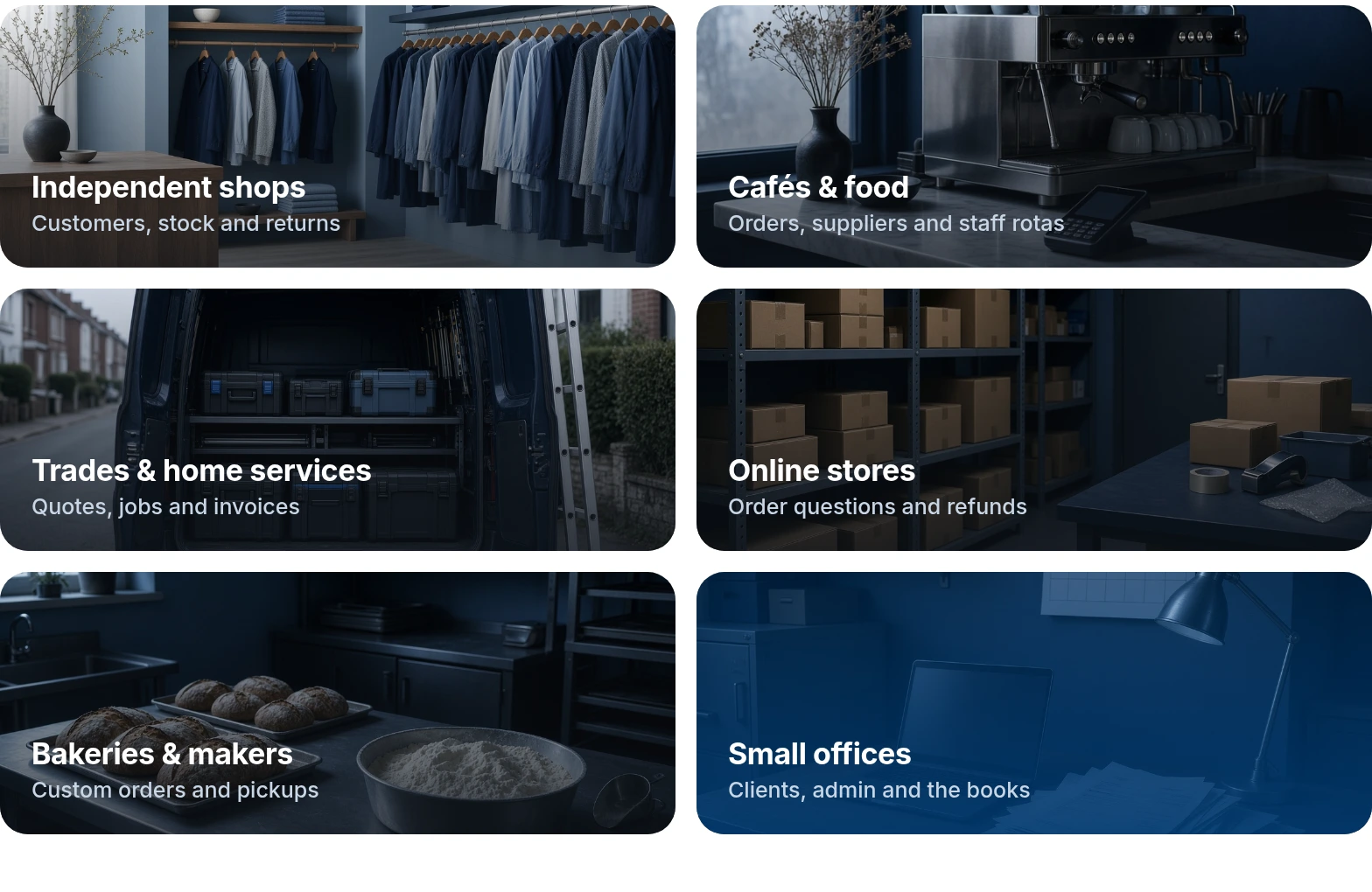
Examples of small business teams that can share project memory

PRICING

$15per user / month
  • One plan, everything included
  • Unlimited AI
  • 14-day free trial
  • Add staff any time

SECURITY

Secure AI for small businesses.

Personal details stay protected. Agents only see what the person running them can see.

PII redacted before any model sees it

Names, emails, phone numbers and card details are masked before a prompt leaves your workspace.

Personal details get masked.

Private model access

Use private model access. Your workspace data is not used to train AI models.

The prompt reaches Kluff, then turns back.

Secrets, SSO & MFA, audit logs

Credentials stay encrypted. Agents keep each person’s permissions, and every action leaves a record.

The key stays in the vault, out of chat.

Your data stays yours. Agents keep each person’s permissions, and every action is logged. Read about security

Frequently
asked questions.

About Kluff for small business. Can’t find your question? Book a demo and ask us directly.

No. Connect your email and accounting tool, and Kluff starts suggesting rules from the answers you already give. Keep the ones you want.

Unlimited inference.
Company memory.

Connect your tools, ask your first question in a project, and watch memory, spend, and visibility stay in one place—not scattered across personal chats.

$15 / user · Unlimited AI
Q4 launch› Launch dashboard
Sara Castillo

@kluff build a launch dashboard from HubSpot and the Q4 budget sheet. Refresh it every morning.

Kluff

Done. Signups come from HubSpot, spend from the Q4 budget sheet. It refreshes at 7:00 AM.

v2 adds the channel split you asked for.

Maya Ruiz

Can we flag any channel over $40 per trial?

Kluff

Added. Paid social is flagged.

Q4 launch dashboard
Q4 launchHubSpot + Q4 budget sheet · refreshed 7:00 AM
Live
Signups1,284+18% vs last week
Trials started31224% of signups
Spend$8,420of $12,000 budget
Daily signups
MonTueWedThuFriSatSunMonTueWed
Send the renewal to Harbor Foods?

It sends from your Gmail, as you, with the draft attached. Nothing else leaves the project.

SENDGmail · Dana Reyes, Harbor Foods purchasing
ATTACHGoogle Drive · Harbor renewal 2026.docx
Finance check done

Ana Chen confirmed net 45 at 9:18 AM. Your rule: every customer email waits for you.

Sent · logged to the project