INDUSTRIES / Manufacturing

From customer PO to sales order. One plant memory.

Kluff gives your plant one shared workspace where the order desk, the floor and AI agents work from the same record. Agents read customer POs into draft sales orders, answer "where's my order?" from the ERP and draft updates when a job slips. Nothing changes in the ERP without a yes.

$15 / user · Unlimited AI

Works withOutlookExcelSAPGmailMicrosoft TeamsGoogle Drive+ any tool via MCP
One shared memory. Your team’s approvals.
The daily work behind manufacturing

DAILY REALITY

What gets lost between the shop floor and the office.

The know-how lives on the floor. The quotes, orders and customers live in the office. The gap between them is where margin, repeat mistakes and hard-won fixes go missing.

The best fix retires with the operator.

How to stop chatter on that one housing, which supplier's bar runs hard, what to tweak on a cold Monday. It lives in a few heads and never reaches the SOP.

RFQs sit in the inbox.

Each quote is rebuilt in a spreadsheet only the estimator understands, even when the plant made something almost identical last year.

The same NCR keeps coming back.

Nonconformances are logged, but nobody links them to the last one or to the SOP, so the fix is rediscovered on every repeat.

"Where's my order?" means walking the floor.

Customers chase the office, the office chases the floor, and the real status is on a whiteboard next to the machine.

HOW KLUFF WORKS

From shift notes and inboxes to one system of record.

AI is only as good as the context it gets. Kluff captures what happens on the floor and in the office once, keeps it with every job and part, and lets agents act on it with people approving what matters.

Emails, files, notes and conversations come together with their sources.

Facts, decisions and exceptions stay in the project for people and agents.

Prepare drafts, match records and follow up using the same shared context.

Sending, posting and changing wait for the right person and your approval rules.

WORKS WITH WHAT YOU ALREADY USE

Your ERP stays. Kluff works on top.

Plants don't want another system. Kluff reads the ERP, inboxes and shared files you already use, drafts the work back into them and keeps one plant memory around them, with your permissions.

+ any tool via MCPYour systems, connected to one shared memory
Integrations

Connected

View all

How your agents use them

Add custom MCP
OutlookClient and vendor email Connected
ExcelSpreadsheets and reports Connected
SAPOrders and business records Connected
GmailClient and vendor email Connected
Microsoft TeamsTeam conversations Connected
Google DriveStatements and working papers Connected

BUILT FOR YOUR WHOLE TEAM

One plant. Four ways in.

The estimator, the shift lead, quality and the plant manager all look at the same record. Each person gets the view and the agents that fit their day.

ESTIMATOR & SALES

Quote from the last job, not from scratch.

  • RFQs read into a draft quote
  • Similar past jobs and real cycle times found
  • Missing specs turned into questions
Shared projectLive
RFQs read into a draft quote
Ready
Similar past jobs and real cycle times found
Ready
Missing specs turned into questions
Ready

SHIFT LEAD

Message from the machine. The handover writes itself.

  • v Shift messages in, handover out
  • Fixes saved as skills for the next shift
  • ) Issues raised as NCRs on the spot
Shared projectLive
v Shift messages in, handover out
Ready
Fixes saved as skills for the next shift
Ready
) Issues raised as NCRs on the spot
Ready
QUALITY ENGINEER

Stop fixing the same NCR twice.

  • Each NCR linked to similar past ones
  • CAPA drafted with root cause evidence
  • SOPs updated when the fix sticks
Shared projectLive
Each NCR linked to similar past ones
Ready
CAPA drafted with root cause evidence
Ready
SOPs updated when the fix sticks
Ready
PLANT MANAGER & OWNER

Approve margin and risk, from anywhere.

  • Quotes under your margin line
  • CAPAs, late orders and customer updates
  • Dashboards built by asking in chat
Shared projectLive
Quotes under your margin line
Ready
CAPAs, late orders and customer updates
Ready
Dashboards built by asking in chat
Ready

WHAT AGENTS RUN FOR YOU

The paperwork around every job, handled.

ORDER STATUS FROM THE ERP

"Where's my order?" Answered from the ERP.

Customers quote their own PO numbers in a dozen formats. Kluff matches them to the right sales order in your ERP, reads the routing and the latest shift handover, and drafts the status note. A person sends it.

  • Customer PO formats matched to your sales orders
  • Status from the routing and the shift handover
  • Status notes sent after your OK

CUSTOMER POS INTO THE ERP

A 24-line PO, without the copy-paste.

Incoming POs with many priced lines are read line by line, matched to your items and checked against your price list. Kluff drafts the sales order and marks anything unclear, and nothing is created in the ERP until the order desk approves.

  • Every line matched to an item and a price
  • Price and item mismatches held for a person
  • Sales order created only after approval

ERP CHANGES BY APPROVAL

Nothing changes in the ERP without a yes.

Agents prepare sales orders, updates and confirmations with the PO and the evidence attached. The order desk sees exactly what will be created or changed, and the agent acts only after they approve.

  • Exactly what will change, shown up front
  • PO and price emails attached
  • Every change saved to the audit log

WARRANTY REGISTRATION

Every shipped unit, registered.

After units ship or are installed, Kluff pulls serial numbers and install details from packing lists and job sheets and drafts the warranty registrations, so nobody is chasing paperwork a year later. Missing details go back to a person.

  • Serials read from packing lists and job sheets
  • Missing install dates and addresses flagged
  • Registrations submitted after your OK

PRODUCTION-STAGE UPDATES

Slips explained before they call.

Kluff reads routings and shift handovers every morning and drafts a customer update for each order that moved or slipped, with the real reason and a new date. The office approves each one betore it goes out.

  • Order progress from routings and handovers
  • Slips explained with a new date
  • Every update approved before it sends

RULES & APPROVALS

No quote leaves the plant without a yes.

Write down how your plant quotes, handles NCRs and updates customers. Agents follow it, and anything that changes price, a promise date or a procedure waits for the right person.

01

Rules written once

Your rules, limits and exceptions applied to every run.

02

Per-tool permissions

Reading can be automatic. Sending and changing ask first.

03

Every action recorded

What was approved, by whom, and the evidence behind it.

Skill · /order-statusYour rules, every run
IForder status from the erp preparedTHENattach sources for review
IFcustomer pos into the erp preparedTHENattach sources for review
IFerp changes by approval preparedTHENattach sources for review
IFsending or changing a recordTHENask the responsible person first
Tool permissions
Waiting for your approval

Approve the prepared order status from the erp?

The sources and your team’s rules are attached for review.

Evidence checkedCustomer PO formats matched to your sales orders
Nothing is sent or changed before your decision.

BUILT FOR YOUR KIND OF BUSINESS

From one job shop to several plants, one plant memory.

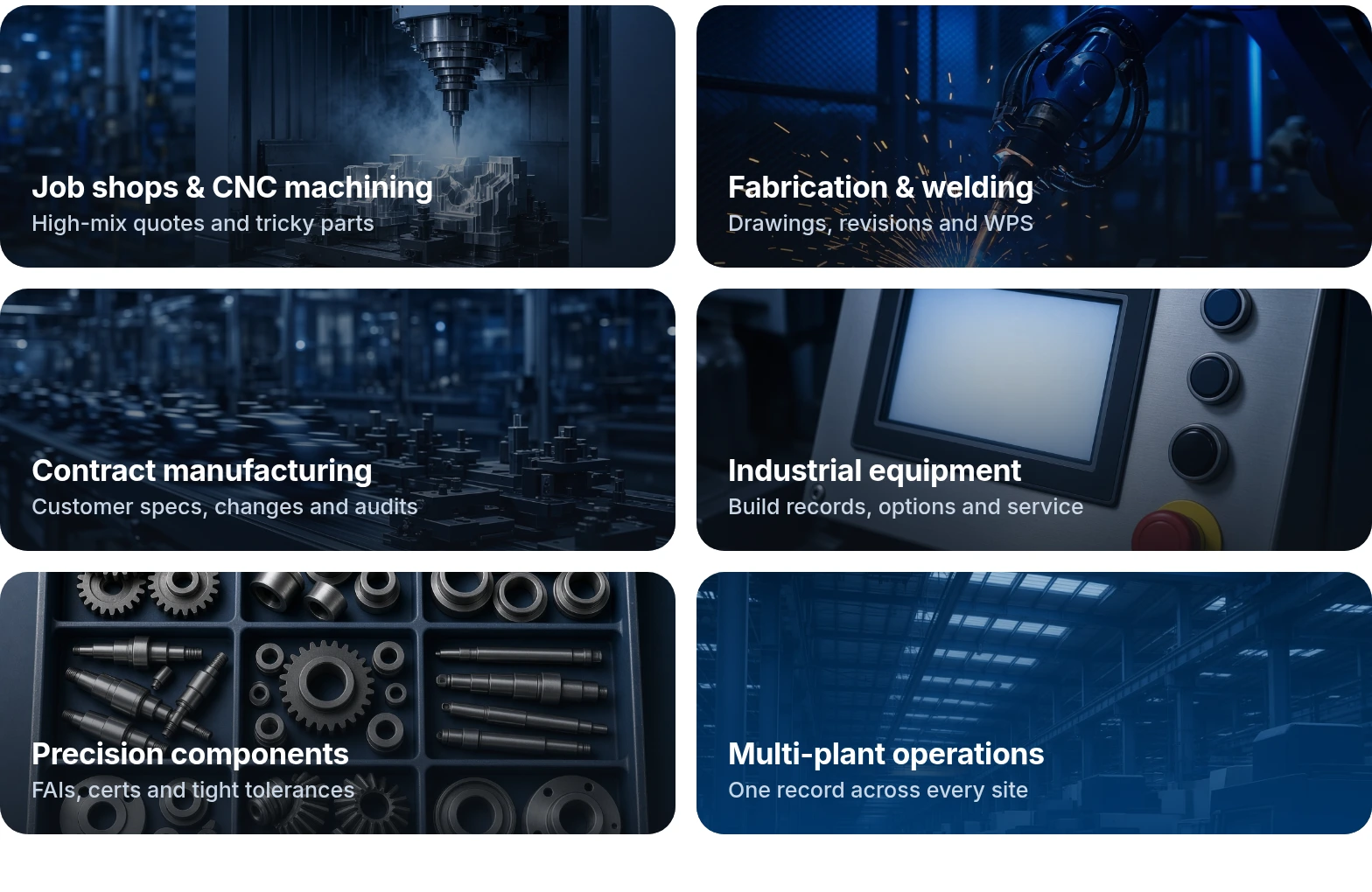
Kluff fits the way your plant runs, whether you machine, fabricate or assemble. Write how your team quotes, inspects and hands over once, and every agent follows it.

Not listed? Book a demo and tell us how your team works.

Examples of manufacturing teams that can share project memory

PRICING

$15per user / month
  • One plan, everything included
  • Unlimited AI
  • 14-day free trial
  • Add staff any time

SECURITY

Secure AI for manufacturers.

Personal details stay protected. Agents only see what the person running them can see.

PII redacted before any model sees it

Names, emails, phone numbers and card details are masked before a prompt leaves your workspace.

Personal details get masked.

Private model access

Use private model access. Your workspace data is not used to train AI models.

The prompt reaches Kluff, then turns back.

Secrets, SSO & MFA, audit logs

Credentials stay encrypted. Agents keep each person’s permissions, and every action leaves a record.

The key stays in the vault, out of chat.

Your data stays yours. Agents keep each person’s permissions, and every action is logged. Read about security

Frequently
asked questions.

About Kluff for manufacturing. Can’t find your question? Book a demo and ask us directly.

No. Kluff sits alongside them and connects with MCP. It captures what happens around them, like RFQ emails, shift notes, NCR photos and production meetings, and keeps one memory per job and part that people and agents both work from.

Unlimited inference.
Company memory.

Connect your tools, ask your first question in a project, and watch memory, spend, and visibility stay in one place—not scattered across personal chats.

$15 / user · Unlimited AI
Q4 launch› Launch dashboard
Sara Castillo

@kluff build a launch dashboard from HubSpot and the Q4 budget sheet. Refresh it every morning.

Kluff

Done. Signups come from HubSpot, spend from the Q4 budget sheet. It refreshes at 7:00 AM.

v2 adds the channel split you asked for.

Maya Ruiz

Can we flag any channel over $40 per trial?

Kluff

Added. Paid social is flagged.

Q4 launch dashboard
Q4 launchHubSpot + Q4 budget sheet · refreshed 7:00 AM
Live
Signups1,284+18% vs last week
Trials started31224% of signups
Spend$8,420of $12,000 budget
Daily signups
MonTueWedThuFriSatSunMonTueWed
Send the renewal to Harbor Foods?

It sends from your Gmail, as you, with the draft attached. Nothing else leaves the project.

SENDGmail · Dana Reyes, Harbor Foods purchasing
ATTACHGoogle Drive · Harbor renewal 2026.docx
Finance check done

Ana Chen confirmed net 45 at 9:18 AM. Your rule: every customer email waits for you.

Sent · logged to the project